参加可能日の登録方法


スケジュールの登録方法がわからない方
に向けての簡単な解説ページです。

まずはじめにメールの予約ページへの
URLをクリックしてください。

そうすると以下のような画面になるかと
思います。
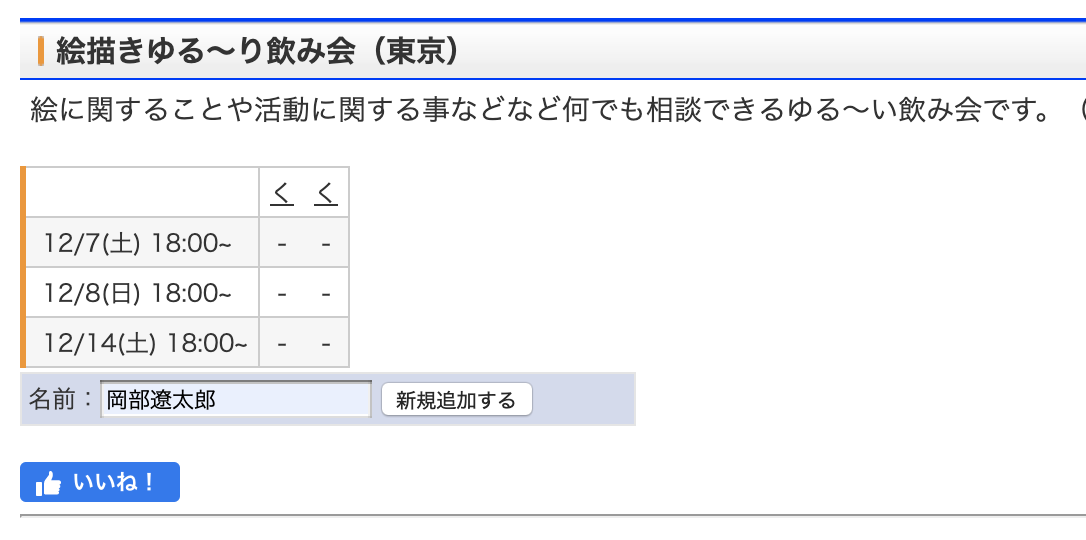


そうしたら「名前」の欄にお名前を
記入してください。

その後に横の「新規追加」をクリックします。

そうすると以下のページへと切り替わります。
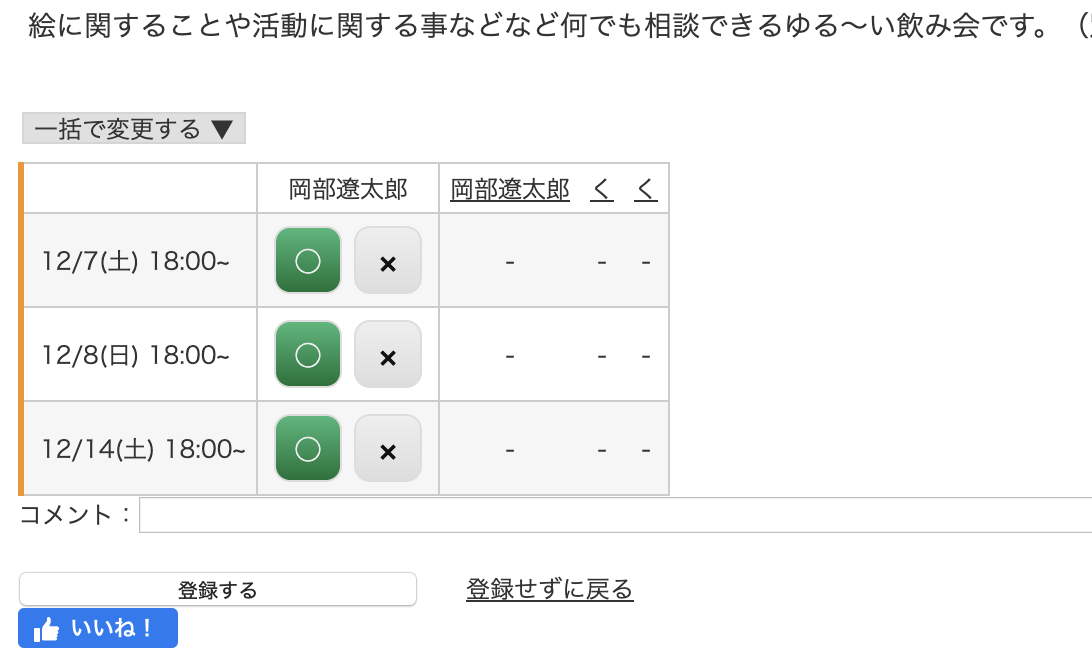


そうしたらマルとバツがあるので参加できる
日をクリックして選択してください。

クリックし終わったら下の「登録する」の
ボタンをクリックしてください。

それで完了です。

This website stores cookies on your computer. These cookies are used to provide a more personalized experience and to track your whereabouts around our website in compliance with the European General Data Protection Regulation. If you decide to to opt-out of any future tracking, a cookie will be setup in your browser to remember this choice for one year.

Accept or Deny